Venom Trailer Rescore Challenge - Resources

PLEASE NOTE THAT THIS CHALLENGE HAS NOW ENDED

Continuing the fun and games from the podcast audio branding competition, we have a new challenge for the network:

Rescore the trailer for our recent product Venom using sounds you create yourself.

VenomRescore

There’s still plenty of time to get your entry in. The closing date is 15th of June (full T&Cs here)

For those struggling with the challenge (and it is a tricky one this time), we thought we’d start a resource thread here to help out with finding free plugins, sound design and making sample instruments.

We have included a few links below and we’d love you guys to add anything you feel that folks would find useful.

Christian had created a video on how he would approach the challenge. If anyone else has done the same, feel free to post those too.

Free plugins:

Sound Design:
Building Sample Instruments:

Logic/Kontakt

https://youtube.com/playlist?list=PL7LAW76xUv7FttHDqimvaUXXzAntkwPha&si=ZQNPPaagnr2LRxZ6

Decent Sampler
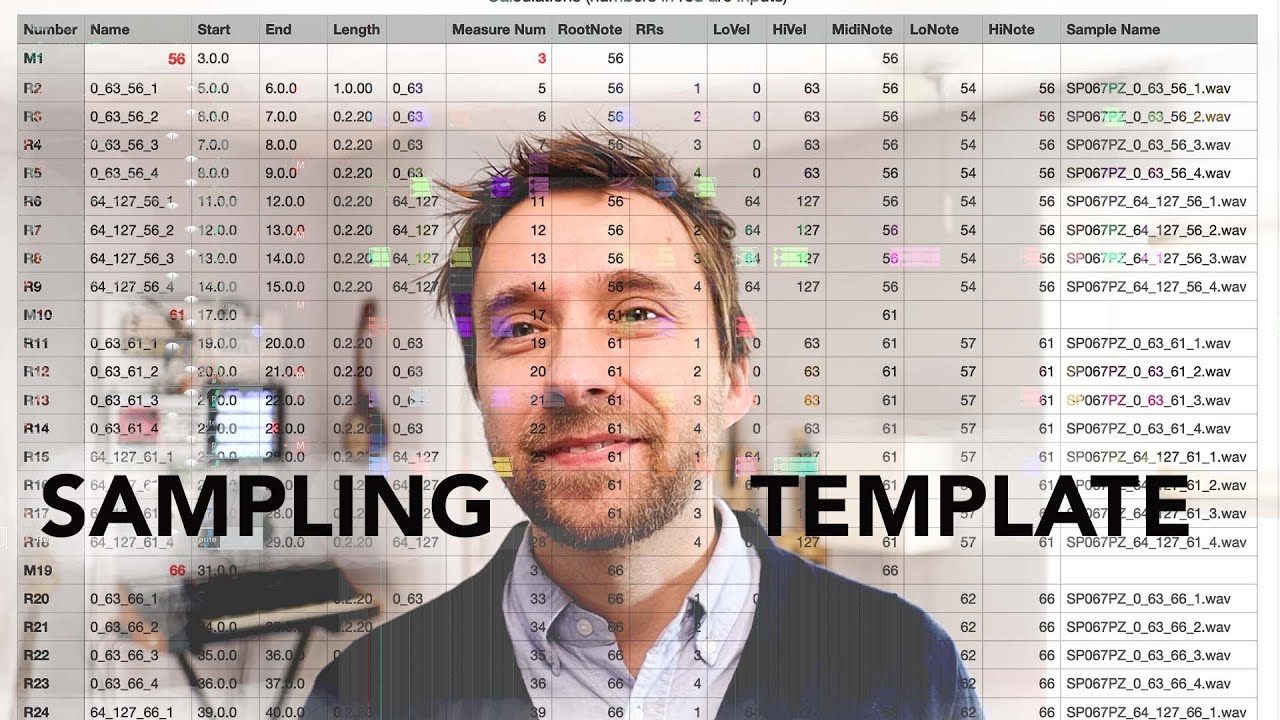
Sfz
Kontakt, SFZ, DS, Reaper
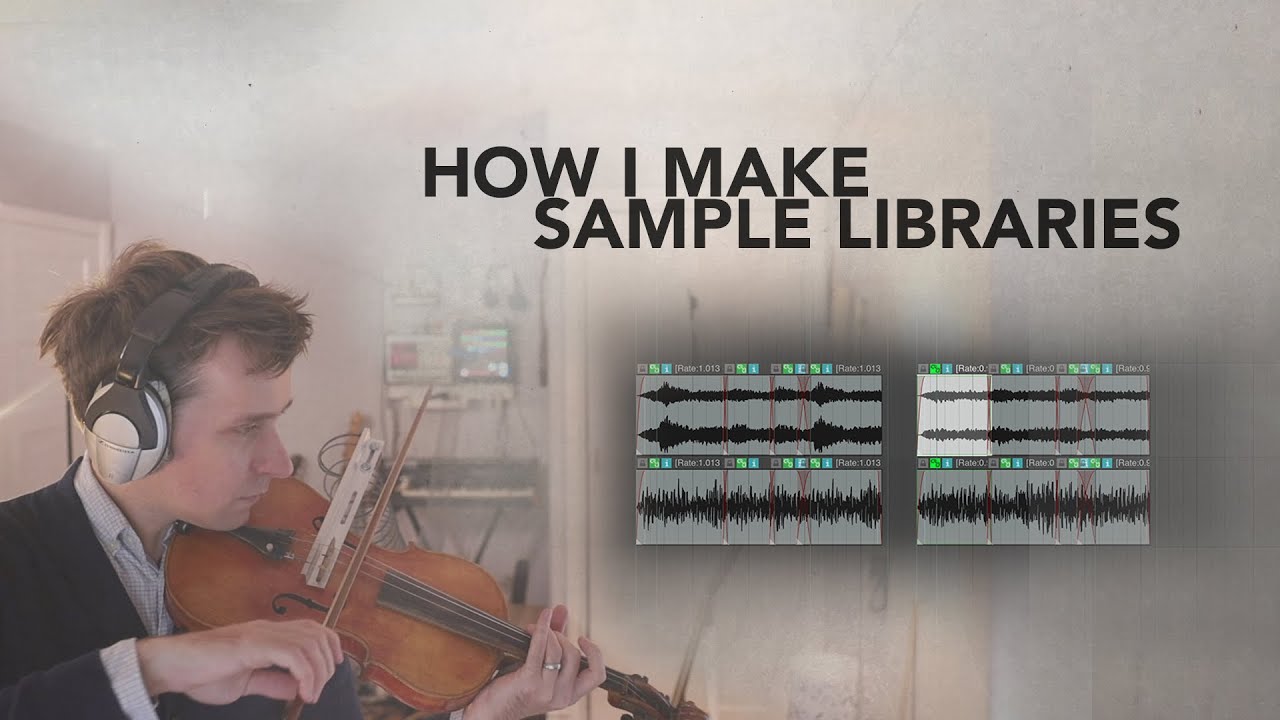
Christian’s video:
4 Likes

I’ve found at least some use out of all of these:

The easiest way to get all the Airwindows plugins - it is officially endorsed by Chris from Airwindows:

LIM Plugin Collection - assorted instrument and effects plugins produced by university students

https://analogobsession.com/ - various vintage EQ, compressor, and channel strip plugins

2 Likes

Hopefully people find these SECRET free Sound design plugins useful!

Softube - Saturation-Knob - I use this is a lot, very useful for saturation and also a good volume boost for samples. Worth getting even not for sound for sound design. Can be

Wavealchemy - Magic 7 A Great sounding free reverb based on the Brucasti M7 reverb

Sonosaurus - PaulXstretch A very powerful time stretching and pitch manipulation plugin for your wave files

Auburnsounds - Inner Pitch v2.0.1 High quality pitch changer

https://www.auburnsounds.com/products/InnerPitch.html

Auburnsounds - spectral dynamics processor

https://www.auburnsounds.com/products/Lens.html

Youlean LOUDNESS METER 2 - A very clean interface, Loudness monitor Useful for anyone this is one of favorites - Very very useful

Audiomodern - Gatelab -Step sequencer
https://audiomodern.com/free/

The following plugins are great if you don’t have anything better:

https://sonosaurus.com/paulxstretch/

Xfer OTT A compressor - A useful compressor - from Xfer the makers Serum.

https://xferrecords.com/freeware

Izope – imager - Control the width of your track - Useful if you don’t have anything better

https://www.izotope.com/en/products/ozone-imager.html

Tokyodawn - NOVA EQ. parallel dynamic equalize

4 Likes

Introduction and Encouragement to Participate

Hey everyone!

I get it—this challenge might feel a little overwhelming at first, especially if it’s nudging you out of your comfort zone. Trust me, I felt the same way when I started. But here’s the good news: you don’t have to tackle it all at once. I’ve put together a 14-day timetable to guide you through the process, step by step, so by the 15th, you’ll have crushed it! This structured 2-week plan is designed to take the chaos out of the challenge and make it totally doable, even if it feels a bit intimidating right now.

I know stepping into something new can be daunting, so I’ve focused on clear planning and organization to keep things manageable. Each day comes with a specific task, complete with start and end dates, so you can focus on one piece at a time without feeling swamped. Plus, staying organized is a game-changer—especially when you’re juggling lots of files. This schedule will help you keep everything in order, so you can spend less time stressing and more time creating.

Here’s a cool trick I picked up along the way: when you’re recording field recordings at home (yep, random household sounds!), use video instead of voice memos. I got this clever gem from Jack Baggins from “The Fellowship of the Ring pull”, and it’s a total game-changer—the microphone quality is so much better, and your sounds will really pop.

So, if you’re hesitating because this feels big or unfamiliar, don’t worry—you’ve got this! This timetable is here to break it down into bite-sized, manageable steps, and I promise it’ll feel less overwhelming as you go.

By the end, you’ll not only have completed the challenge but also gained some new skills and a serious sense of accomplishment. Let’s dive in together and make it happen!

Day Task Details Start Date End Date
1 Preparation and Planning - Review challenge requirements.
- List sound types (e.g., percussive, textural).
- Gather equipment (smartphone, props).
- Plan recording sessions.
Day 1 Day 1
2 Recording Session 1 - Record sounds for Instrument 1 (Lead) and Instrument 2 (Percussive) using video.
- Take notes on recordings.
Day 2 Day 2
3 Recording Session 2 - Record sounds for Instrument 3 (Textural) and Instrument 4 (Bass).
- Review Day 2 recordings.
Day 3 Day 3
4 Recording Session 3 - Record sounds for Instrument 5 (Mid-Range) and Instrument 6 (High-Freq).
- Review all recordings so far.
Day 4 Day 4
5 Recording Session 4 - Record sounds for Instrument 7 (Atmospheric).
- Organize recordings into computer folders.
Day 5 Day 5
6 Importing and Organizing - Import video files into DAW.
- Extract audio.
- Organize and label tracks in DAW.
Day 6 Day 6
7 Processing Sounds - Part 1 - Process Instrument 1 and Instrument 2 (EQ, compression, effects).
- Save processed versions separately.
Day 7 Day 7
8 Processing Sounds - Part 2 - Process Instrument 3 and Instrument 4.
- Ensure sounds fit their roles.
Day 8 Day 8
9 Processing Sounds - Part 3 - Process Instrument 5 and Instrument 6.
- Check consistency across sounds.
Day 9 Day 9
10 Processing Sounds - Part 4 - Process Instrument 7 (focus on atmosphere).
- Review and adjust all processed sounds.
Day 10 Day 10
11 Composition - Part 1 - Start arranging sounds (Start, Buildup, Climax, Build Down, End).
- Use Instrument 1 and Instrument 2.
Day 11 Day 11
12 Composition - Part 2 - Add Instruments 3, 4, and 5.
- Build dynamic buildup and climax.
Day 12 Day 12
13 Composition - Part 3 - Finalize with Instruments 6 and 7.
- Add layers/effects.
- Ensure a satisfying end.
Day 13 Day 13
14 Finalizing and Exporting - Mix (balance levels, panning).
- Master if needed.
- Export final file.
- Prepare submission.
Day 14 Day 14
15 Submission - Submit final project.
- Confirm all requirements are met.
Day 15 Day 15

How to Use This Timetable

Days 1-5: Recording Phase

  • Day 1: Set yourself up for success. Figure out what the challenge asks for, decide what kinds of sounds you want (e.g., tapping a glass for a lead sound, shaking keys for percussion), and grab your smartphone for video recording. Plan which objects you’ll record and in what order.
  • Days 2-5: Go around your home making videos of random sounds—use the tip from “The Fellowship of the Ringpull” guy! The video mic is way better than voice memos. Split recordings into sessions:
    • Day 2: Lead and Percussive sounds (e.g., spoon on a pot, door creak).
    • Day 3: Textural and Bass sounds (e.g., rustling fabric, low hum of a fridge).
    • Day 4: Mid-Range and High-Freq sounds (e.g., running water, jingling coins).
    • Day 5: Atmospheric sounds (e.g., wind chimes, distant tapping).
    • Keep notes on what worked and organise files into folders like “Percussive” or “Bass” on your computer.

Day 6: Importing and Organising

  • Bring all your video files into your DAW, extract the audio, and sort them into tracks. Label everything clearly (e.g., “Lead_SpoonHit,” “Bass_FridgeHum”) to avoid a mess later.

Days 7-10: Processing Sounds

  • Spend these days tweaking your sounds:
    • Use EQ to cut unwanted noise, compression to even out levels, and effects like reverb for depth.
    • Example: For the Lead sound, boost clarity; for Atmospheric, add a dreamy reverb.
    • Save processed files separately so you don’t lose the originals.

Days 11-13: Composition

  • Build your piece step-by-step:
    • Day 11: Lay down the foundation with Lead and Percussive sounds.
    • Day 12: Add Textural, Bass, and Mid-Range for a fuller sound.
    • Day 13: Finish with High-Freq and Atmospheric sounds, tweaking the flow (start slow, build up, peak, then wind down).
    • Think of it like a story: beginning, tension, climax, resolution.

Day 14: Finalising

  • Mix your track—adjust volumes so nothing’s too loud or quiet, pan sounds left or right for space, and add final touches. Export it in the required format (e.g., MP3 or WAV).

Day 15: Submit

  • Send your project off and double-check everything’s included.

Why This Works

  • Planning: Starting with a prep day reduces stress and sets a clear path.
  • Clear Tasks: Each day has a specific job with a start and end, so you’re never lost.
  • Organization: Labeling files in your DAW keeps things tidy, which is a lifesaver.
  • Video Tip: Using video for recordings (thanks to Jack Baggins!) ensures better sound quality, making your project stand out.
  • Pacing: Two weeks gives you breathing room to experiment and refine.

Good luck to everyone taking on the challenge!

5 Likes

Thanks, Niclas. This is why we started this thread and, indeed, this forum: a network of composers encouraging each other, sharing tips and helping each other to learn new skills.

I would urge everyone to at least have a go at this (and all) our challenges. You may not win, you may not even complete the challenge but, hopefully, you will learn a new skill or technique or push yourself in ways you previously haven’t.

That’s why we call these ‘challenges’ as opposed to ‘competitions’ and we hope that everyone who participates learns something new each time. That way, everyone wins!

5 Likes

Dolby make an app that people may find useful for recording sounds on their phone. It has all sorts of useful features (including the option to apply noise reduction as you record!) and is available for free on for both Apple and Android phones.

If anyone knows of any others, feel free to share…

4 Likes

Useful stuff, @niclas. The “unnamed ring pull guy” was Jack Baggins.

1 Like

Thanx! Updated my post with his name in the right place!

These are such great posts! Thank you everyone! Great idea to start it. I’ve shared this idea and my progress so far with a young son of a friend who’s been fretting about not having enough gear to succeed and he’s been so inspired - hurrah!
No one has mentioned using a wineglass yet I think… but after revisiting and following Christian’s tutorial about same, I challenged myself to use it lots of different ways… that, and discovering that pitched down my outstanding singing voice obviates the need for any additional pitch bend…………… :rofl:
I reckon loads of us will have entered by the end… it’s maybe just taking some of us a bit longer to be outside the box when we’ve had to make the box ourselves first! So much fun! :smile:

2 Likes

Thanks for the challenge. That’s a very cool post. Can I use a sampler or a thing like Skanner XT? Or modular synth as looper effect?
Ps Sorry if it seems like I’m trying to hijack the terms, just to clarify)

Under the terms of the challenge, these things would not be allowed.

1 Like

Hi There, very excited about this challenge. One question, it looks like from the video that Christian did that we can use stock plugins in our DAW. Is this correct? Are there any limitations on which stock plugins we can use? For example, only EQs, compressors and gates.

Thanks!

My reading is that you can use any stock effects plugins (EQ, reverb, distortion, delay, compressor etc. - whatever comes with your DAW), plus the stock sampler to play your found sounds.
You can also use free 3rd-party effects plugins.

Instrument plugins (stock or otherwise) are not allowed.

Exactly this. What Ed said.

Hi!

(edited)

I have a slightly awkward one querying the use of plugins that play your own recoded samples, but which are probably counted as instruments and therefore not really within the rules?

I have since resolved this by only using Logic Sampler as my player for everything.

But I thought it would be a good point to ask the question anyway…

I found Logic sampler’s multi-output annoying, as you need to group samples in a silly way to send them to their own separate channels for fx etc.

So I put my “percussion” samples into Ultrabeat thinking of it as just being my own choice of sample player, as it comes with my DAW.

However, following the above question, I realise you could in theory cheat and use Ultrabeat’s instrument capability to add cheeky layers to your samples, with things like noise generators and synthesis, etc.

Given the above question I thought it would be important. As there are other players I had considered too such as Reason’s Redrum / Kong etc. Kong also has instrument capabilities, but Redrum is just a player and sequencer…

Bit of a grey area perhaps for some of these?

But I played it safe and just went for the Logic sampler.

It was fairly straightforward to migrate it over, but just took time and care.

One issue I found transferring is that envelopes are global for Logic sampler, which is annoying. But it worked out ok by editing the samples in the “Zone” area, even though that envelope is very crude. But I got by!

I had to be super careful of checking pitch adjustments I’d made in Ultrabeat, as well as sample start times and envelopes.
Also being careful to move FX over to the correct places and add the right busses etc.
aside from that just had to change levels etc.

This challenge has been a great way for me to actually start using the sampler, and also to actually use my own recorded samples, both of which have been on my “to do” list for way, way too long!

Many thanks!

2 Likes

As long as you are only using sounds you recorded, it’s fine :+1:

1 Like

Sure is a challenge. Especially when I finally became aware of it 4 days ago. Interesting the education I’m getting about becoming more proficient and efficient.
I understand the deadline was set at 15/06/25. The server appears to be sleeping, wrapped in a beautiful chrysalis for its next unveiling. Just wanted to obtain the T&C’s like email to deliver the project.

Hi, email your entry to demos@thecrowhillcompany.com
Good luck!

Here are the T&Cs for anyone who still needs them:

About the challenge…

What is the current composer challenge?

Continuing the fun and games from the podcast audio branding competition, we have a new challenge for the network:

Rescore the trailer for our recent product Venom entirely using sounds you create yourself.

I’m sorry, what?!?!

Ok, here’s the hypothetical scenario:

You’ve been asked to score a trailer.. but you’re on holiday, away for your usual music making set up. You’ve got your laptop, your Daw, some free fx plugins but no sounds…

… but you do have your phone.

Ok, so what are we doing exactly?

Ideally, we would like you to record your own sounds but we are providing some (see below)

Turn your recorded sounds into sample instruments using free fx plugins to rescore the trailer.

What do I get for participating?

The winning entry will receive everything we release for the next 12 months PLUS the opportunity of working with the Crow Hill team to create a bespoke, for your use only version of your favourite sample library sounds using the gear in the Crow Hill playroom.

2 runner ups will win the next 2 Crow Hill product releases.

How do I participate?

Download the Venom trailer below:

DOWNLOAD TRAILER

Score the trailer using the sounds you have created

Here are the sounds we have provided if you aren’t making your own:

DOWNLOAD SOUNDS

As a guide, check out how Christian approached the challenge in the video below.

How do I submit my entry?

Share your video files with us via a download link (DropBox, We Tranfer etc.) sent to demos@thecrowhillcompany.com

Don’t forget to include your name in the file name eg. My Name.mp4

What happens after I submit?

You have until 11:59pm BST 15th June to create and send us your entries. ALL will be listened to.

The winner will be announced on the Crow Hill livestream on 18th June.

Don’t Forget…

• Only use instruments you have created

• You can use FX plugins but NO instrument plugins

• Include your name in the audio file name

• One entry per person

1 Like

Some very good free FX:

TILR:
https://www.kvraudio.com/developer/tilr

Newfangled Audio:

(I have a huge list of free plug-ins to share, but didn’t have time to type it up yet…got to get my contest entry done LOL…)

A good video on setting up a trance gate using the native Ableton plug-ins (gate) but applicable to any DAW. (This is the approach I am using along with the native Ableton sampler, to add some rhythm and musicality to mostly long looping droning foley type found sounds.)

This was actually really useful, I immediately used it on about 3 other tracks lol.

2 Likes